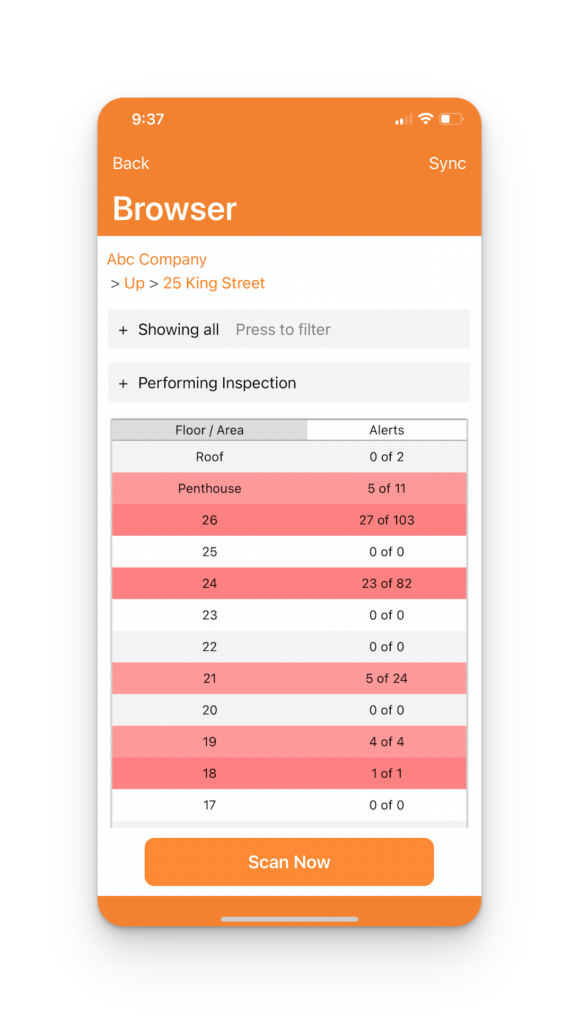
Seeing what inspections are due or completed is critical, especially for large complexes where one may be interrupted often. Here are two ways to see what inspections are still due on the iPhone:
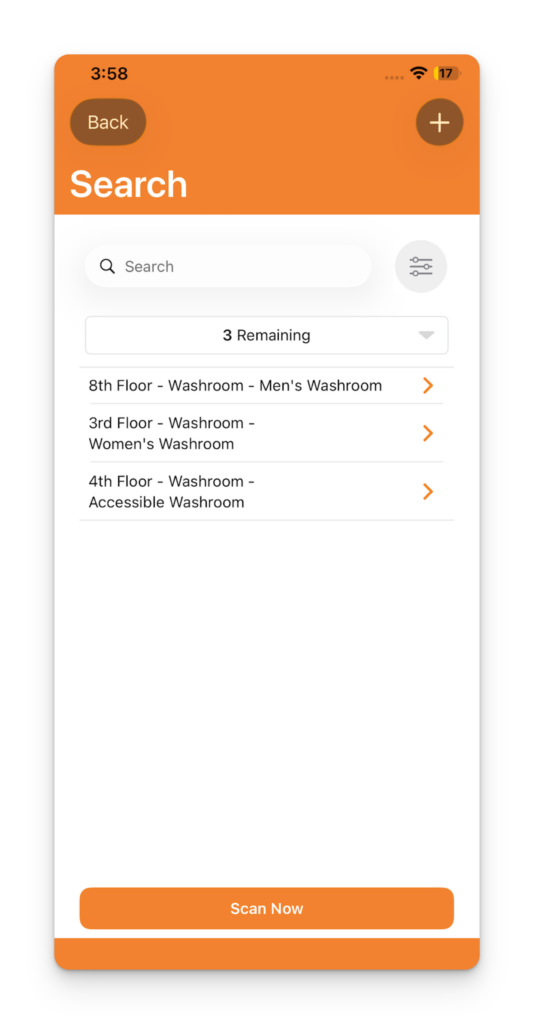
1. From your logged-in account, press Search. Use the Advanced Filter dropdown to select the Show Remaining option. As you complete your inspections, the list will get smaller
2. Press Menu > View Online.
Here you’ll see realtime what inspections are completed (grey) and which ones are near-due (yellow) and overdue (red)